

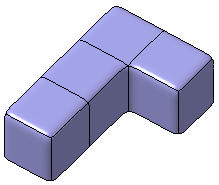
A subdivision surface containing
at least one free border is created.
You can also open the
ModifySurface6.CATPart
document.

-
Click Draft of subdivision
 in the Modification toolbar.
 -
Select the surface containing the free border as the neutral element (i.e. the fixed element).
A Tools Palette is displayed: 
-
 define the draft angle using a dialog box.
-
 apply the command.
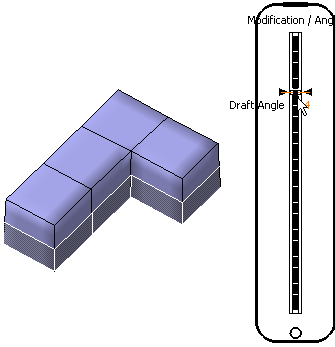
A slider is displayed at the right of the screen to let you define the draft angle between 1 and 5.
-
-
Drag the slider to the desired angle. The surface is modified accordingly:
-
Click Apply
to validate the command.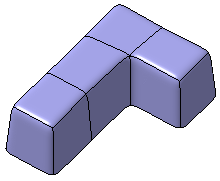

In the Modification toolbar, click Multi-Selection  to validate the current operation and select the next
subdivision surface without exiting the Draft of subdivision
command.
to validate the current operation and select the next
subdivision surface without exiting the Draft of subdivision
command.
You can also press Ctrl +Space to validate the current operation and select the next subdivision surface.

 in Analysis toolbar.
For more information refer to
Performing a Draft Analysis.
in Analysis toolbar.
For more information refer to
Performing a Draft Analysis.
