

Open a 3D shape representation with subdivision surface.

-
From the Modification toolbar, click Modification
 .
.
The Tools Palette appears. -
Modify the shape using any modification command.
-
From the Operations toolbar, click Preview Level.
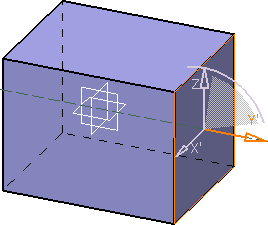
There are five levels of preview quality as follows:- Preview Level 0
 :
Gives a preview corresponding to the base mesh and enables
you to have the fastest possible computation.
:
Gives a preview corresponding to the base mesh and enables
you to have the fastest possible computation.
- Preview Level 1
 :
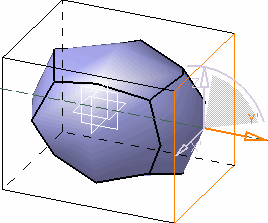
Gives a very unrefined preview but with a very fast
performance.
:
Gives a very unrefined preview but with a very fast
performance.
- Preview Level 2
 :
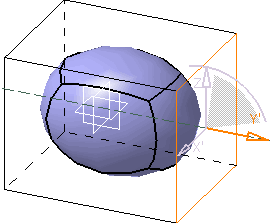
Gives the best quality to performance ratio.
:
Gives the best quality to performance ratio.
- Preview Level 3
 :
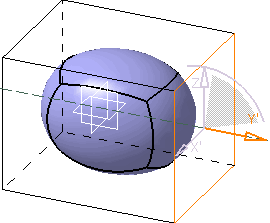
Gives a very good preview but with a slower performance.
:
Gives a very good preview but with a slower performance.
- Preview Level 4
 :
Gives a preview closest to the final result but with a very
low performance. It is not advised on big models.
:
Gives a preview closest to the final result but with a very
low performance. It is not advised on big models.
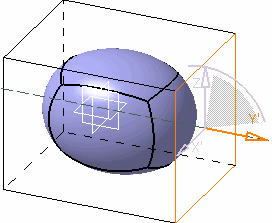
- Preview Level 0
