
Let's take an example with a sphere.


-
Click Number of Sections
 .
.
The icon is modified to reflect the modification of the sections number:
-
Click Sphere
 .
.It is created with more sections: 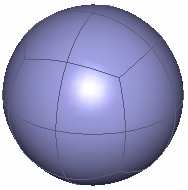
Cylinder with more sections: Torus with more sections: 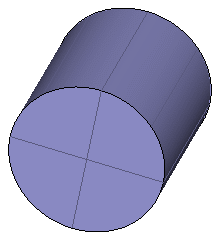
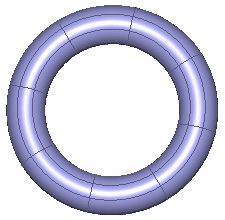

- This capability has no effect on the box and the pyramid.
- The visualization of the number of section icons can either be on the same icon cyclically or in an expandable separate toolbar. This depends on the option chosen in Tools > Options > Shape > Imagine & Shape > General tab, Command Options Menu Mode area.
