| |
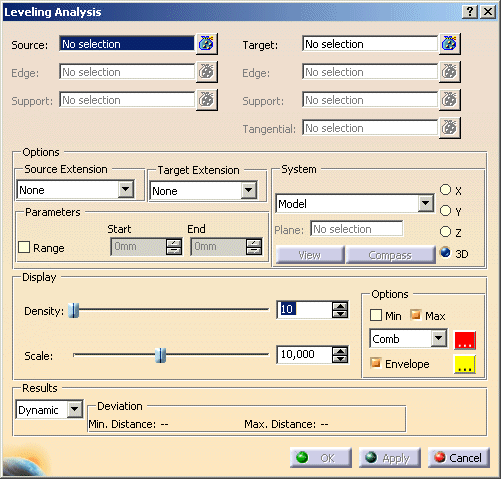
- Parameters:
- Range: Start/End: Specification of a value range for an optimum deviation. Only those deviation values
that are lying outside of the defined range are taken into consideration. The numerical display indicates the minimum
and/or maximum deviation value that is independent from the defined range.
- System: Here you can define, which component of the minimum and/or maximum deviation shall be computed and
displayed numerically, and which coordinate system shall be used for this.
| System |
Direction: X, Y, Z |
Direction: 3D |
Model
(model coordinate system) |
specified coordinate system is valid for calculating the X, Y, or Z/Depth coordinate of the deviation |
3D deviation is calculated in space (no projection) |
Plane
(coordinate system of the selected plane) |
3D deviation is projected into the specified plane |
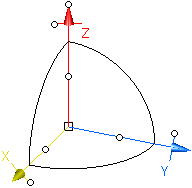
User-Defined
(user-defined coordinate system which can be additionally modified by the 3D manipulator in the graphics area) |
 |
View
(view plane) |
Compass
(compass plane) |
 |
Note: The 3D manipulator is independent from the view and compass position, i. e. in case of view and
compass manipulations the manipulator will not be moved accordingly. |
- Display
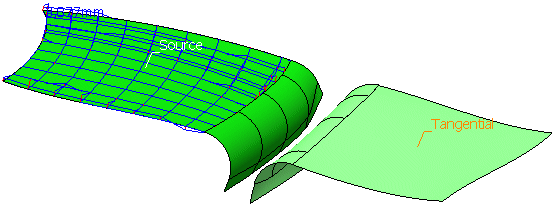
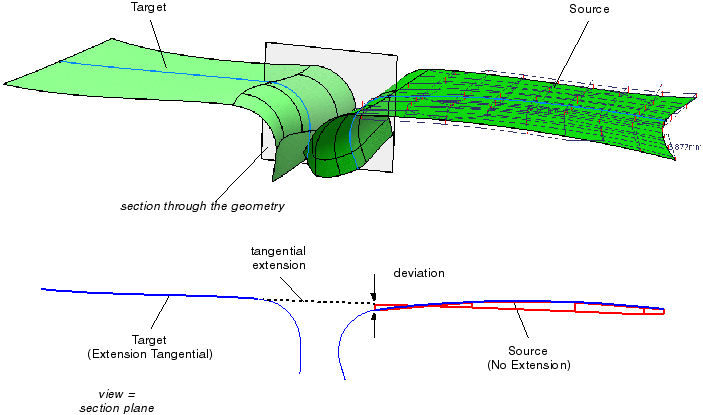
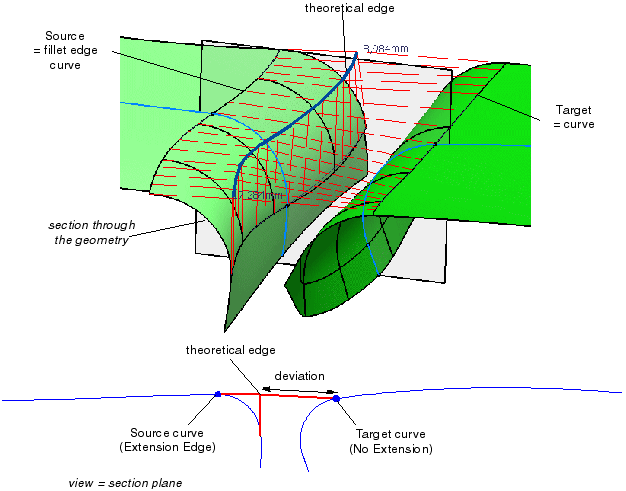
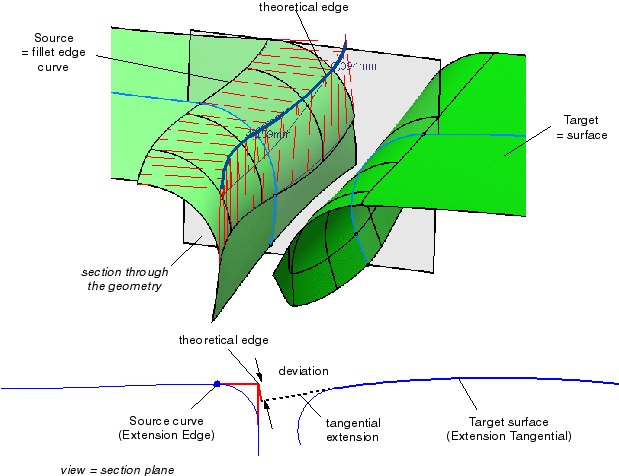
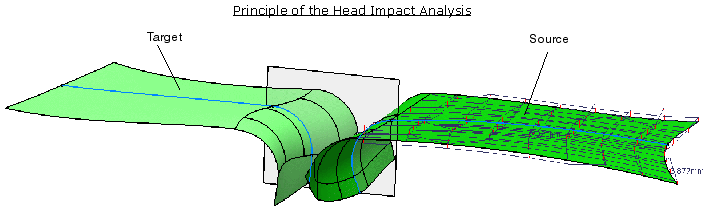
- Density: The number of points specified here are regularly distributed on the Source (on patches and faces
in U and V direction) and projected onto the Target.
- Scale: Scaling factor for the display of the deviation values.
|
| |
- Options:
- Min, Max: The minimum and/or maximum deviation will be displayed numerically.
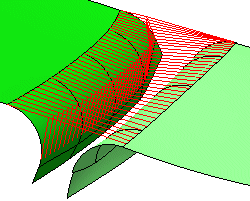
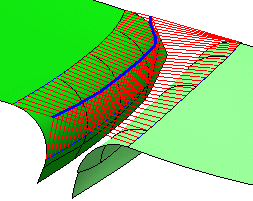
- Comb: Selection of a color for the analysis result as bar information. The displayed lines correlate with
the individual 3D deviation values. With the color button, you can choose the line color.
- Envelope: The output of the analysis result as bar information with the option
'Comb' can also be displayed with an envelope. You can choose the envelope color using the color button.
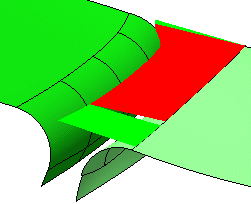
- Shaded: Output of the analysis result as color information. For this, colors are distributed on the 3D
bars framework. Deviations in normal direction of the reference are displayed red, deviations in opposite direction
are displayed green.
|
|
| |
- Results:
- Dynamic, Static, None: See Apply Modes.
- Min./Max. Distance: Displays the minimum and maximum deviation of the calculated result.
|




 .
.