

-
Click the Control Points icon
 in the Shape Modification toolbar.
-
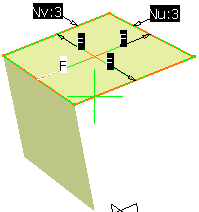
Select the original surface.
The mesh of Control Points appears.
-
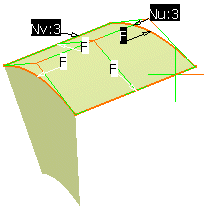
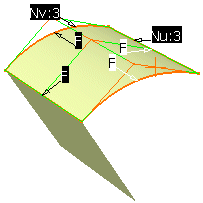
Now modify the surface.
Because of the associativity, the flange surface changes accordingly.
-
Close the Control Points dialog box.
