|
This command resets the manikin's angular limitations settings. |
 |
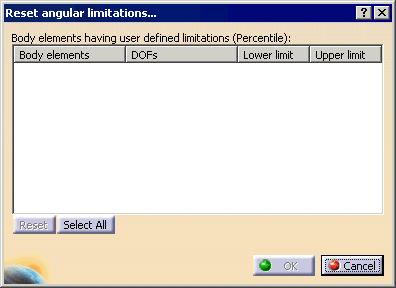
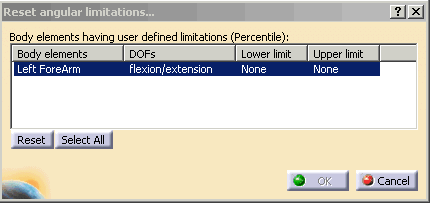
If segments are selected, the Reset angular limitations dialog box
shows
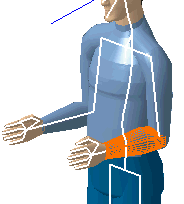
only the angular limitations related to these segments. Furthermore,
selecting or deselecting segments on the manikin while the Reset
angular limitations dialog
box is opened updates the multi-list by adding or removing
information.
If no segments are selected, the dialog box is empty until you make a selection. All changes made in the Reset angular limitations dialog box are only applied when you click OK. Otherwise, no changes are made. |
 |
A manikin must be created or imported to complete the following procedures. |
 |
Resetting DOF angular limitations |
|