|
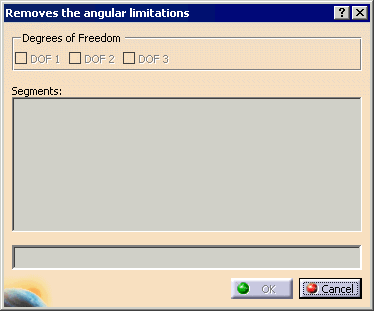
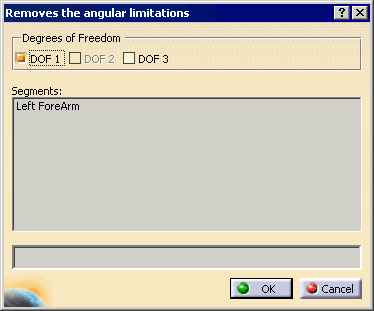
This task allows you to remove all limitations on a segment. |
 |
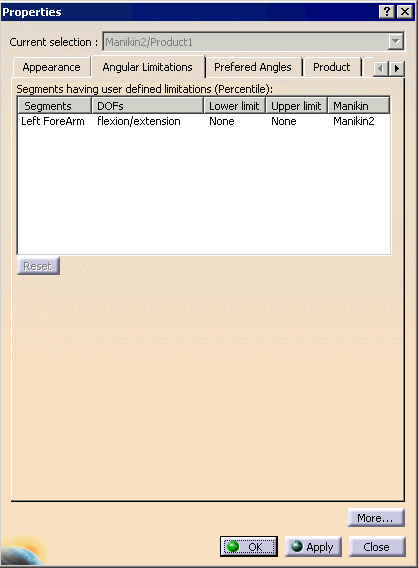
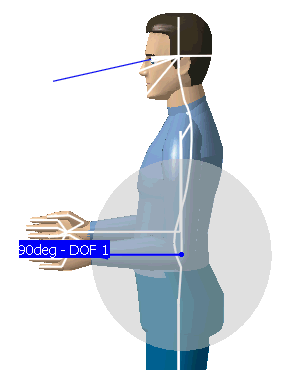
Allowing you to remove the angular limitation will permit you to move a segment in any degree, It means that the segment will be able to do a complete circle of 360 degrees. |
 |
A manikin must be created or imported to complete the following procedures. |
 |
|
|
|
You can also manually move one limit until you reach the other limit (making a 360 degrees circle). At this time, a message box asks you if you want to remove the angular limitations. If yes, the result will be the same as shown above. If no, you will still be able to change the angular limitations but will never be able to set angular limitations that cross. |