|
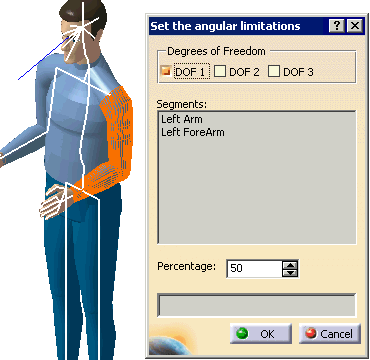
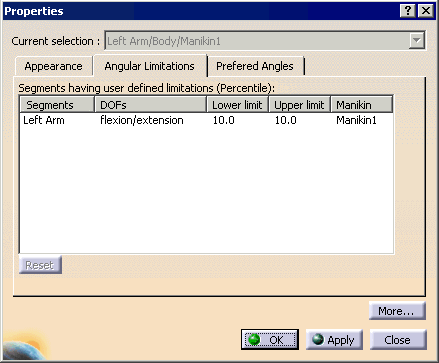
With this command, you can change the angular limitations of one or many degrees of freedom at once according to the percentage you choose. This percentage value represents the desired portion of population that must be able to reach the limit. At manikin creation, all angular limitations are set to limits that 50% of the population can reach. Using the Set Angular Limitations with Percentage command, you may want to restrict (i.e., accommodate a narrower percentage of population) or widen (i.e., accommodate a larger percentage of population) these limits for a specific requirement of the population study. |
 |
|
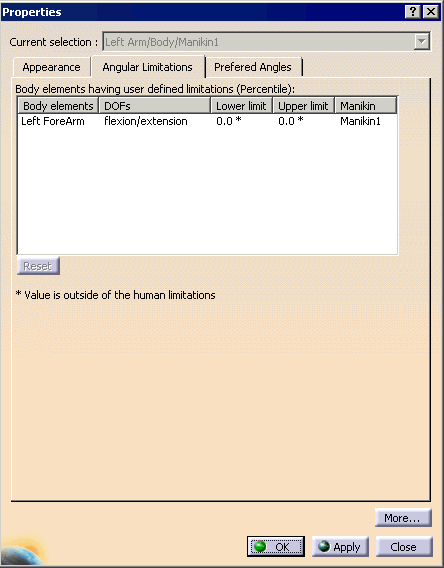
 The
modification cannot be done if the selected degree of freedom is locked
with a value that would be outside the new limits. In this case, the
information is displayed accordingly. The
modification cannot be done if the selected degree of freedom is locked
with a value that would be outside the new limits. In this case, the
information is displayed accordingly.
|
 The following dialog box is displayed: