
|
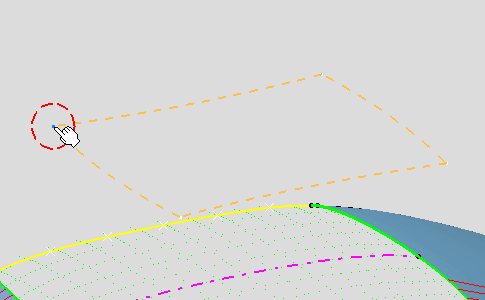
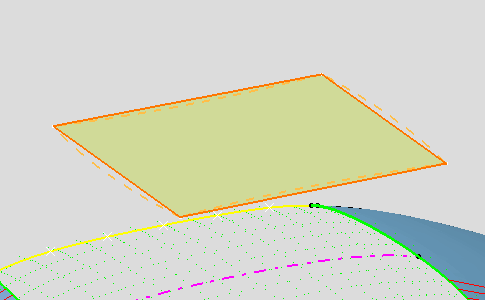
This task shows you how to create a four-points patch. |
||||

|
Open the
RoofStart.CATPart document. It contains windshields of the car, style
curves limiting these (windshield boundaries) style curves, onto which the
roof should be mapped, and curvature analyses applied onto each of these
styling curves. You can hide the Curvature Analysis for the moment. |
||||

|
|

 icon from the FreeStyle Dashboard to snap onto the closest corner when
moving the pointer close to the geometry.
icon from the FreeStyle Dashboard to snap onto the closest corner when
moving the pointer close to the geometry. .
.