The application allows you to simplify the specification tree and improve the management of the insertion point. It provides a mechanism to gather bi-dimensional and tri-dimensional elements within the same work environment. The bodies referenced by functional features are then displayed in the specification tree only under the pointing feature.
This scenario shows you how to simplify the specification tree display when an external shape feature or a push/pull/fitting feature references a body. The referenced body will only be displayed under the pointing feature if when selected, it is not used by another feature or Boolean operation.


-
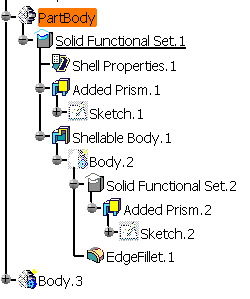
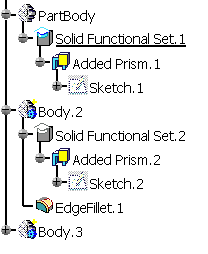
You can see the specification tree display before creating an External Shape feature.
-
Click the Shellable Feature icon
 .
.
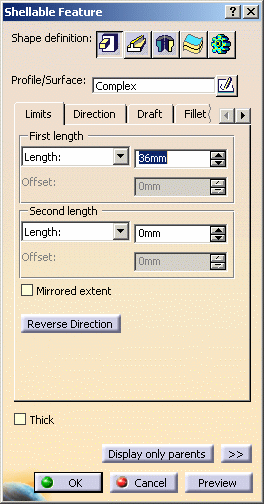
The Shellable Feature dialog box is displayed.
-
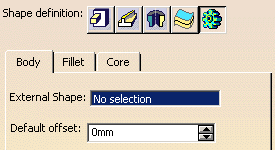
Click the External Shape icon
 from any shape feature dialog box. The following dialog box is displayed:
-
Select Body.2 from the specification tree for External Shape.
-
Click OK.
-
You can see the specification tree display after creating an External Shape feature that references Body.2. The referenced body is aggregated by the functional specification.