About Dynamic Geometrical Link

This topic explains the concepts about dynamic geometry link.
  The annotations dynamically follow the changes in their pointed geometry.
The following table depicts this behavior with appropriate conditions:
 

Condition

Scenario

Resultant geometry

Resultant specification tree

  • If the pointed geometry is lost after geometrical modification, annotation links are broken.
  • If the pointed geometry changes, the annotation follows its changes.

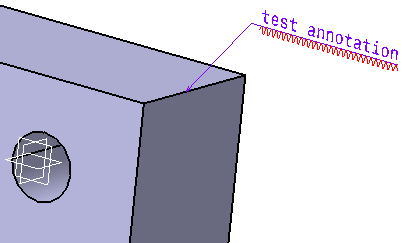
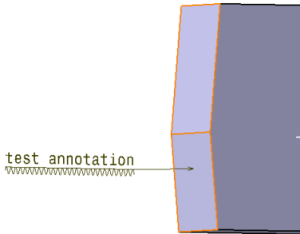
Created annotation

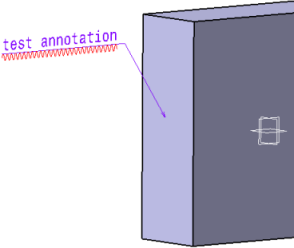
Change in pointed geometry; as a result, broken annotation link

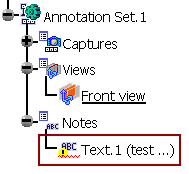
Annotation link broken in the specification tree
  • When the annotation is updated after geometrical modification and if there are multiple solutions (results) valuated from a specified sub-element, or if there is no solution, the annotation link is broken.

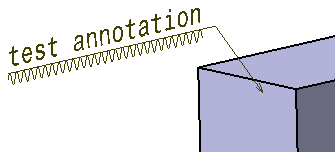
Created annotation

Change in pointed geometry, providing multiple solutions; as a result, broken annotation link

Annotation link broken in the  specification tree
  • If the pointed geometry is set to Deactivate, or reordered, the annotation associated with it is broken. 

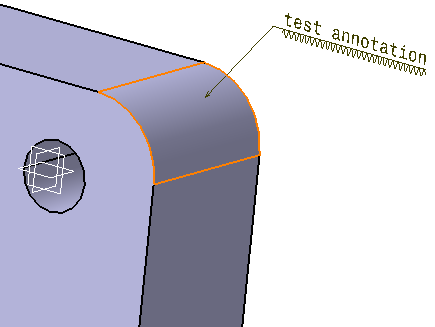
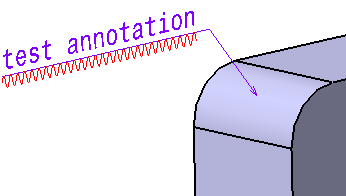
Created annotation on an edge fillet

Deactivated pointed geometry, i.e. the edge fillet; as a result, broken annotation link

Annotation link broken in the  specification tree
       
 
  • In general, all the 3D Functional and Tolerancing annotations are impacted by geometrical set modification (Add/Delete/Edit of a geometrical feature).
  • The functionality of dynamic geometrical link is applicable only in case of hybrid body and ordered geometrical set.