The Route Definition dialog box is displayed.
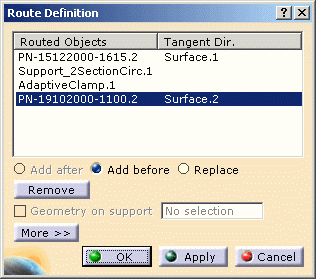
Note: A component can be a point, a device or a support. It is also referred to as object.
You can:
- Add a point, a device or a support before or after the object
selected in the list, using the corresponding option,
- Select an object in the list.
- Select Add before.
- Select another object in the geometry.
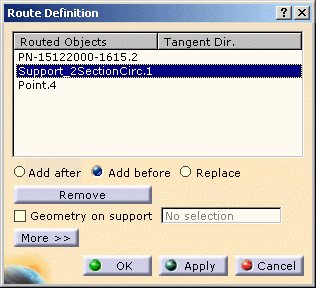
The object (here a point) is added to the flexible curve before the object selected in the list (here the multi-support). 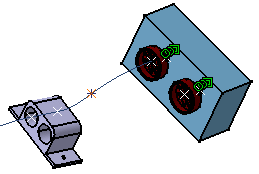
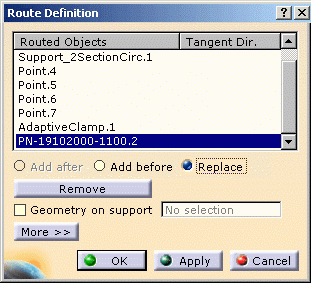
- Replace a component selected in the list with another one, for
example the other connector of the equipment:
- Select the connector to be replaced in the list.
- Select Replace.
- Select the other connector in the geometry.
The result looks like this: 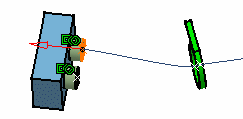
Note that while routing, when you add or replace an object in a branchable, this object may have the same Part Number as another
one in the document but pointing different documents..
You can manage this part number conflict by renaming the parts.
For more information, refer Product Structure User guide: Naming or renaming a Product.
- Remove an object selected in the list.
- Select an object in the list.
- Click Remove.
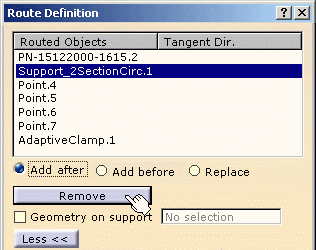
The object (here the multi-support) is removed from the flexible curve. 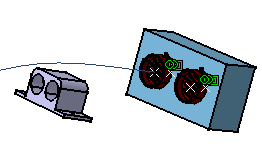
- Geometry on support: to route a bundle segment on a part surface
- Select Geometry on support.
- Click the surface.
- Select the points/supports/devices.
The result looks as follows:
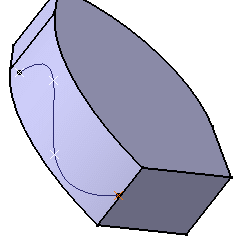
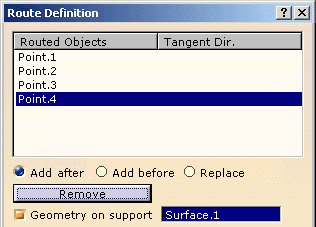
- More >> options
Select a device:
By default the flexible curve is built with tangency condition. Click the red arrow to reverse the tangent direction.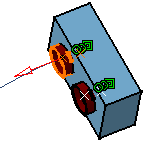
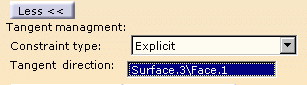
Tangent management: Explicit - Select Explicit as Constraint type.
- Click a face as Tangent direction.
The tangent is added.
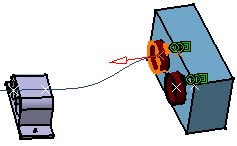
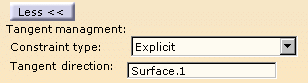
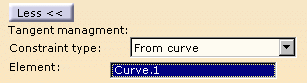
Tangent management: From curve - Select From curve as Constraint type.
- Click an edge as Element.
The tangent is added.
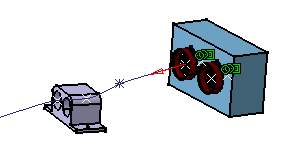
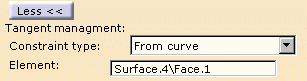
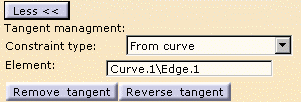
You can remove or reverse the tangent using the corresponding command buttons. 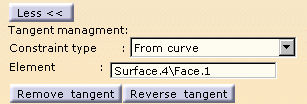
Select a support:
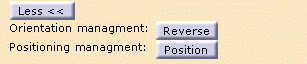
Orientation management:Click Reverse to change the tangent direction.
|
Positioning management:
|
|
|
Note: In case of Adaptive Supports, the Position Button on the Route Definition window will be disabled. |
|
|
Select a point:
|
 |
|
Tangent management: From curve
|
 |
|
You can remove or reverse the tangent using the corresponding command buttons. |
 |
- Slack management:
Click Ignore slack if you don't want the slack parameter to be taken into account. The slack is never used when routing a bundle segment on a part.

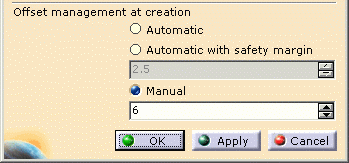
- Offset management at creation:
This option is available when routing bundle segments (branchable or normal ones) on a surface using a manipulator.Automatic: the flexible curve follows the surface with an offset equal to the bundle segment radius. This is the default value. For non-circular segment profiles, the offset equals an equivalent radius computed as follows:
Equivalent radius = sqrt (Area_ave/pi)Where:
sqrt = square root
Area_ave = average area along the bundle segment
pi = 3.14159…Automatic with safety margin allows you to create an offset equal to the bundle segment radius (or equivalent radius in the case of non circular profiles) increased by the selected value.
You can change to Manual if you want to define the route at a selected point with a different offset.