

For electrical cableway routing you should in most cases use a hanger of the type "rack trapeze."


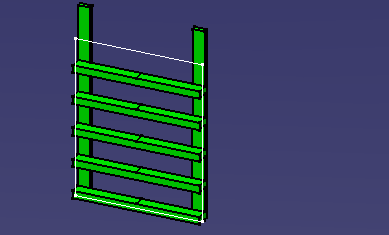
You have placed a part in free space.
|
|
This task shows you how to place a hanger. You will need to use the Hanger Design product to place hangers. | |
|
|
The hanger placement procedure
described below is a simplified version of the process. There is much more
to placing hangers. This process is described more fully in the section
Placing Hangers in the Hanger Design user guide.
For electrical cableway routing you should in most cases use a hanger of the type "rack trapeze." |
|
|
|
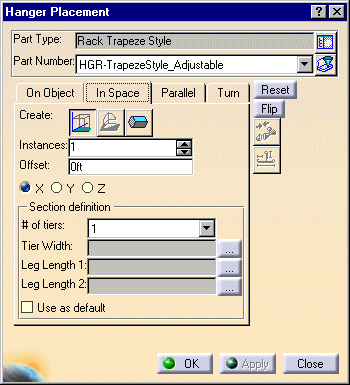
1. | Click the Place Hanger button. The
Hanger Placement dialog box displays.
|
| 2. | Click the In Space tab and then
click the button next to the Part Type field to display the Class Browser.
Expand the entry(ies) to see the hangers available to you. For this
exercise, select the hanger Rack Trapeze Style. The Class Browser closes
and the hanger you selected displays in the Part Type field.
|
|
| 3. | Click the down arrow in the Part Number field and select a hanger - for this exercise it is HGR-Trapeze Style_Adjustable. | |
| 4. | Click anywhere within the window to
place the hanger.
You have placed a part in free space. |
|
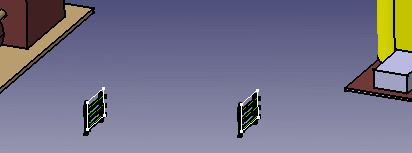
| 5. | In the image below the document
created earlier using the ELD schematic has been used to place hangers.
|
|
