


-
Double-click Mark.1.
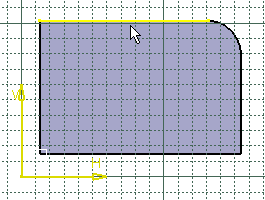
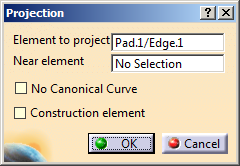
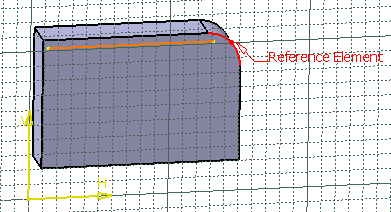
Reference Element is displayed in the geometry, indicating the element type you are editing. Additionally, the Projection dialog box appears to let you change the element which is used as a reference for this mark.
-
Make sure the Reference Element field is active, and select the arc as new reference element.
-
Click OK in the Projection dialog box.
The mark reference and position are changed.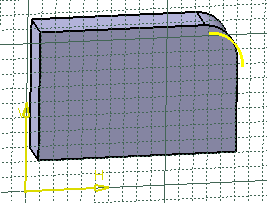

 or Tangent Intersection edges activation
 is chosen in the User Selection Filter toolbar before
the selection.
is chosen in the User Selection Filter toolbar before
the selection.