The sectioning meshes have to split the initial mesh in two parts, i.e. for each section the intersection line must be closed.

-
Click Multi-section Slice
 .
.
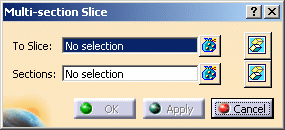
The Multi-section Slice dialog box is displayed:
-
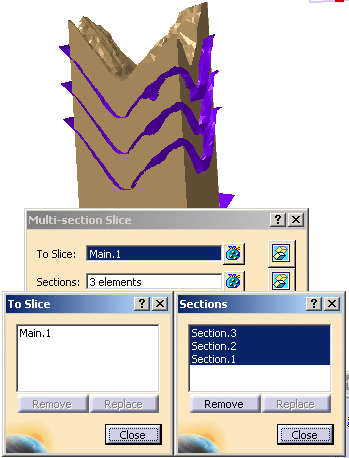
Select Main.1 as the mesh To Slice.
Select Section.1, Section.2 and Section.3 as the slicing Sections.
Multi-selection is available.
 is available to hide or show the selection.
-
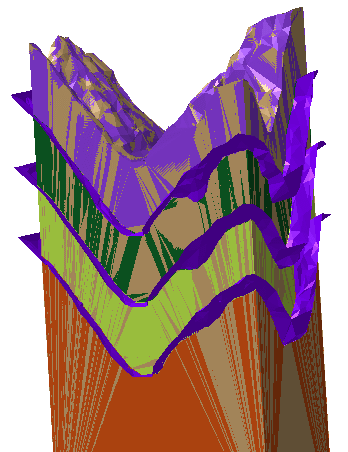
Click Apply. The slices are computed and displayed in different colors.
-
Click OK to validate and exit the dialog box.
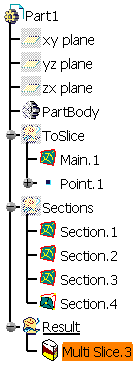
A single MultiSlice feature is created in the specification tree.
-
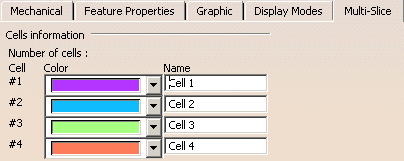
If necessary, right-click the MultiSlice feature and select Properties in the contextual menu,
then go to the Multi-Slice tab of the Properties dialog box to edit the name or color of the cells of the MultiSlice: