|
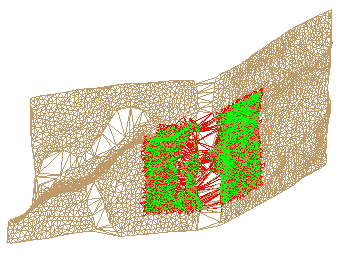
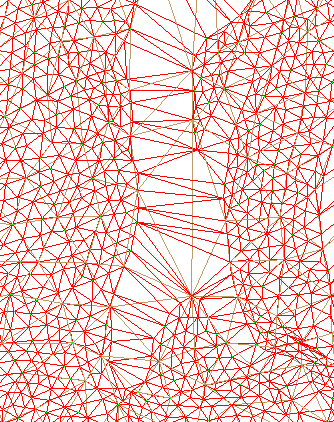
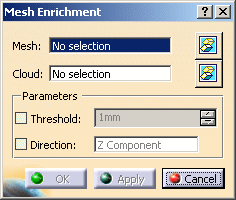
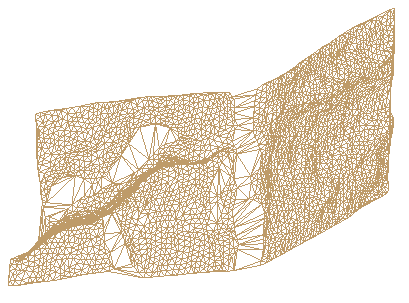
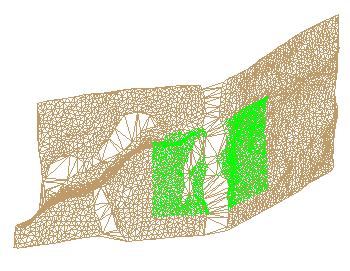
This task shows you how to enrich meshes by inserting points from a
cloud of points:
|
|
 |
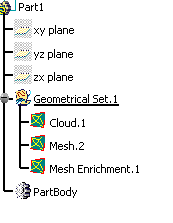
Open the MeshEnrichment01.CATPart model the from the samples directory. | |
 |
|
|
|
|
||
|
|
This task shows you how to enrich meshes by inserting points from a
cloud of points:
|
|
|
|
Open the MeshEnrichment01.CATPart model the from the samples directory. | |
|
|
|
|
|
|
||
 .
.
 is available to hide or show the selection.