|
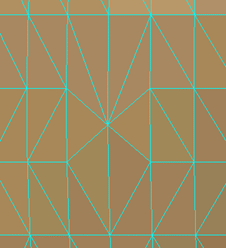
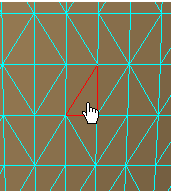
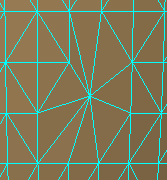
This task shows how to collapse elements using the Mesh Edition
toolbar. This command is one shot on single-click and multi shots on
double-click. To exit a command:
For an easier work, we recommend that you switch to Wireframe view
mode: |
|
 |
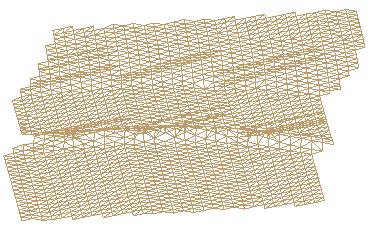
Open the MeshEdition1.CATPart model from the samples directory. | |
 |
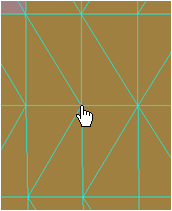
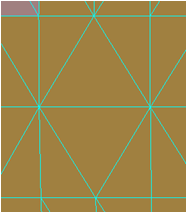
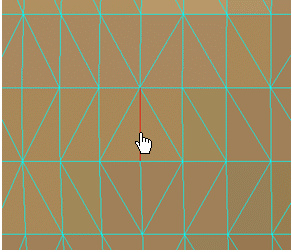
Picking an element collapses it at once. |
|
|
||
|
|
||
 .
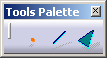
A Tools Palette is displayed:
.
A Tools Palette is displayed: