


-
Click Balloon
 and select the attachment point of the balloon leader.
 -
Select the balloon anchor point.
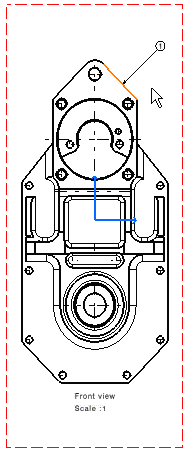
-
The Balloon Creation dialog box appears: enter the required text.
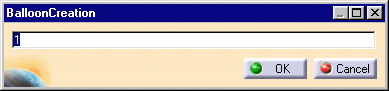
-
Click OK.


|
|
This task will show you how to create a balloon on a right projection view. | ||
|
|
Open the GenDrafting_part.CATPart document. | ||
|
|
|
||
|
|
Note that you can create associative balloons on views generated from a product. | ||
|
|
|||