


-
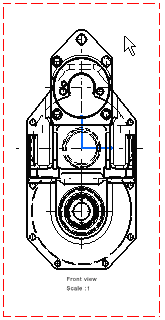
Right-click the view to be modified (either the view frame or the view itself). A contextual menu is displayed.
-
Select Properties. The Properties dialog box is displayed.
-
In the Visualization and Behavior area, select the Lock View check box.
The other fields are grayed out, indicating that you can no longer edit them.
-
Click OK to lock the view and exit the dialog box.
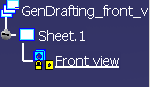
The view is locked, which is indicated by a lock in the specification tree.

- Create views from a locked view.
- Create either annotations, dimensions, or 2D geometry in this locked view.
- Update, delete or cut the locked view.
- Move generated geometry, 2D geometry, annotations, dimensions and dress-up elements in this locked view.
However, you can still move a locked view.
