

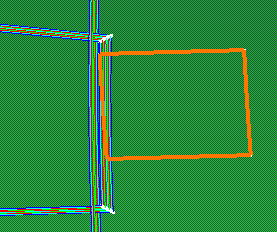
You are going to create No Drop-Off Area from that contour and from the plies group.

 in the Plies toolbar.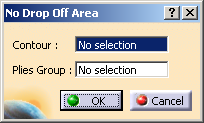
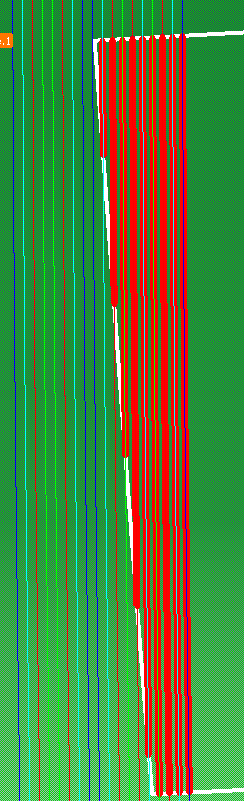
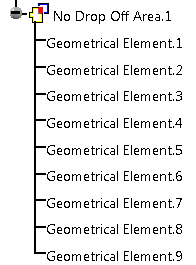

|
|
This task shows you how to create a No Drop-Off Area. |
|
|
Open NoDropoffGA01.CATPart
from the samples directory. You are going to create No Drop-Off Area from that contour and from the plies group. |
|
|
|
|
|
|