


-
Click Check Contours
 in the Analysis toolbar.
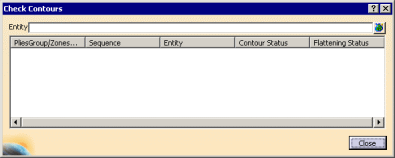
The Check Contours dialog box is displayed:
-
Select the stacking.
- You can select a stacking, plies groups, sequences or individual plies.
- Multi-selection of entities
 is
available.
is
available. - In the multi-selection
dialog box, click
 to select entities using the
Stacking Management.
to select entities using the
Stacking Management.
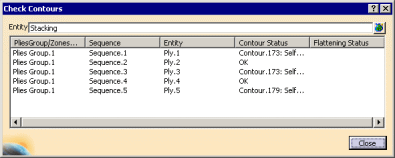
The command indicates valid contours, self-intersecting contours, or contours that are not closed.
If a flattening exists, this column is populated as well. -
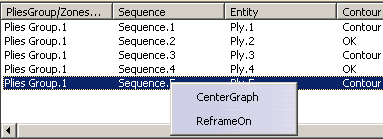
Place the cursor over a line you want to visualize, right-click it and select the action you require:
-
Click Close to exit the dialog box.
