This section contains the following information about Customizing Toolbar Layout.
About Customizing Toolbar Layout
|
|
This section contains the following information about Customizing Toolbar Layout. About Customizing Toolbar Layout |
 About
Customizing a Toolbar
About
Customizing a Toolbar|
|
Customizing your toolbars provides the option of
repositioning and displaying the tools used most often. This feature
provides the ease of access and simplifies your navigation and viewer pane.
|
When
Customizing a Toolbar|
|
Customizing your toolbars provides you the options:
|
How
to Move a Toolbar
 |
You can customize the toolbar layout by following the steps
below: |
 |
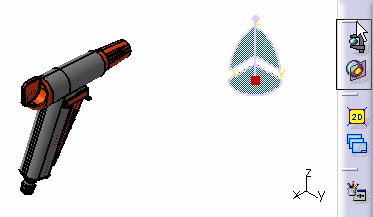
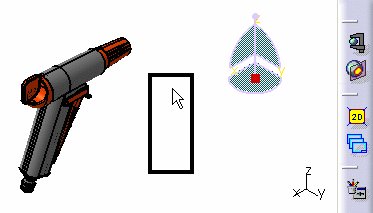
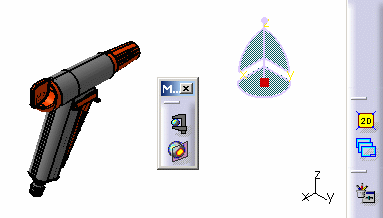
You can move a toolbar from its docked position in the toolbar area to any location of your user pane.
|
|
|
You can also relocate a toolbar to any desired location in the toolbar area. |
How
to Hide a Toolbar |
|
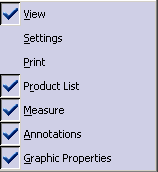
You can hide any chosen toolbar. |
|
|
|
How
to Show a Toolbar|
|
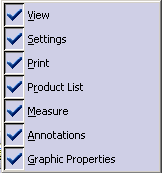
You can choose to redisplay a hidden toolbar. |
|
|
|