|
 |
You can do the following for
saving a graph session:
-
Open an object in Relationship
Navigator and expand various relationships.
-
Once you have completed your
work and are ready to save the graph, click theSave
Graph Session
 button
at the bottom of the
Relation
Navigator window.
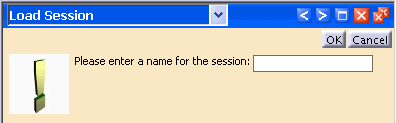
The Load Session
window is displayed. button
at the bottom of the
Relation
Navigator window.
The Load Session
window is displayed.
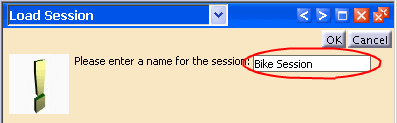
Enter a name for your graph in the Please enter a name for the session field and
click the
OK
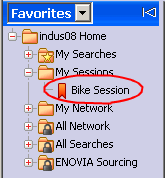
button. The Graph session is saved in the
My Sessions
folder by default. If you do not already have a My
Sessions folder, Save Graph Session will create one
for you.
To reopen your saved session, select
Add to Navigator
from the shortcut menu in the
Favorites
window.
|