|
In this task, you will learn how to create a logical view. | ||||
 |
The logical view is not a standard mode of generating views. It is available in structure applications only. It filters out the objects that are not relevant to the view and extracts only the selected object and objects connected logically to it. | ||||
 |
To access this mode, you need to apply these settings:
|
||||
Creating a Logical View |
|||||
 |
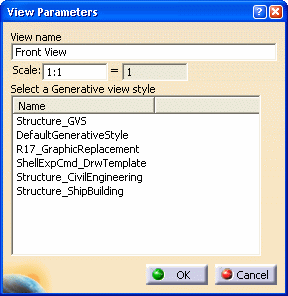
The View Parameters dialog box is displayed.
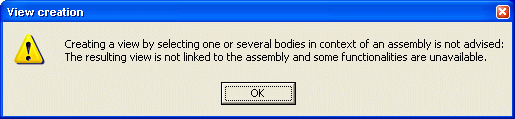
A warning message is displayed. Click OK and continue with the view creation.
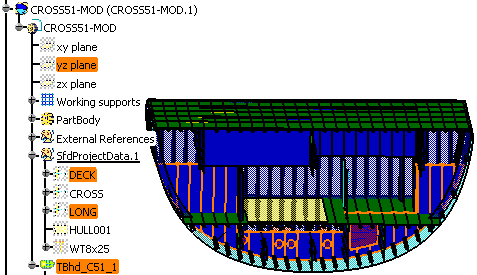
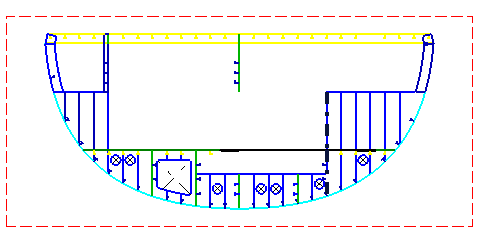
The images below show the 3D model and the logical view extracted from the 3D model. |
||||
|
 in the
Views
toolbar.
in the
Views
toolbar.