
The FabSketchDocument_PlateStyle.xml
file will be
browsed.
-
Select the Standards... command from the Tools menu.
The Standard Definition dialog box appears.
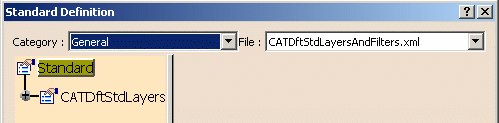
-
Select the generativeparameters category.
-
From the file list, select the FabSketchDocument_PlateStyle.xml file to display the default properties defined by your administrator.
-
Click the plus sign in the left-hand side to expand the XML tree structure and browse all properties.
-
Select the desired property to display the corresponding value on the right-hand side of the dialog box.
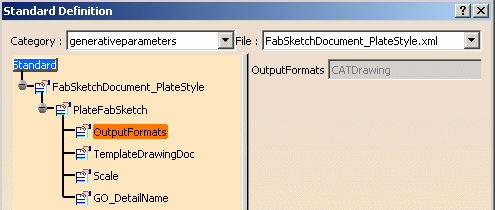
-
Click OK to close when done.
