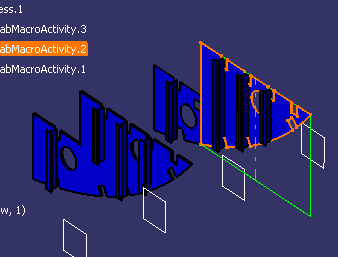
The
Center Graph command
 in the Lofting Tools toolbar allows you to:
- Select a product and see the macro activity that creates it highlighted and centered in the PPR tree, or
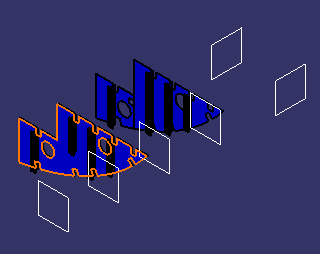
- Select an operation in the PPR tree and see the product that it produces centered and highlighted in the PPR tree

 that automatically generated all the operations for shell plate and shape
fabrication.
that automatically generated all the operations for shell plate and shape
fabrication.
Selecting a Product to Locate an Activity
Selecting an Operation/Activity to Locate a Product
-
Select Center Graph
in the Lofting Tools toolbar. -
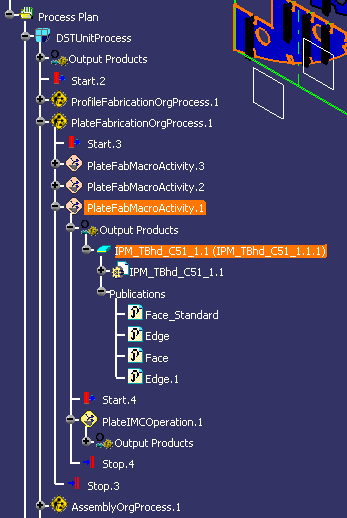
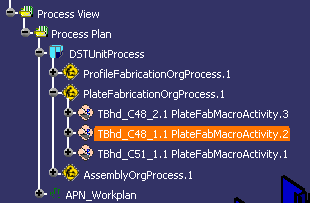
Select an operation or macro-activity in the PPR tree:
-
The interim part/product the selected product is highlighted and centered in the PPR tree.