


Replay Simulation
-
Select Tools > Simulation > Replay or double-click the Replay.2 in the specification tree.
The Replay dialog box is displayed.

-
In the right unnamed box, select the desired speed, e.g., x 1.

Select the Animate viewpoint check box if you want to take into account the viewpoints recorded during the simulation.
In the left box, you can set the number of interpolations. Note that assigning a high number of interpolations amounts to replaying the scenario at a very low speed.
-
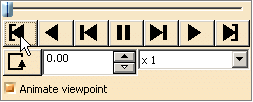
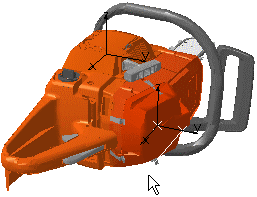
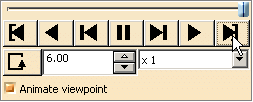
Go back to the starting shot using the VCR-like buttons.
-
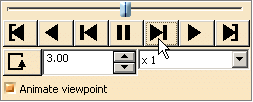
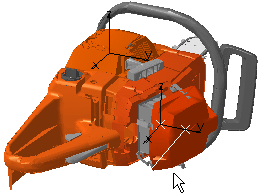
Step forward.
-
Modify the speed at any time.
-
Step forward again
-
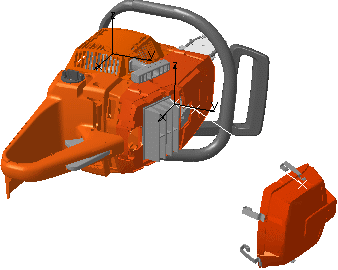
Replay the scenario back to the starting shot and at an interpolation number of 1 between recorded shots.
Add Analysis to the Replay
-
Click Clash
 .
.
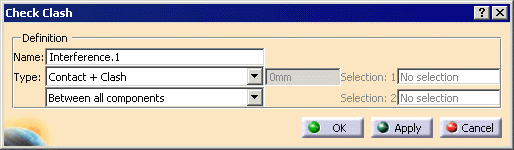
The Check Clash dialog box appears.
-
From the lower Type list, select Between all components, then click OK.
-
On the specification tree, click Replay.1.
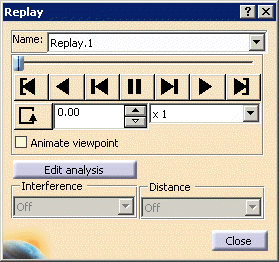
The Replay dialog box appears.
-
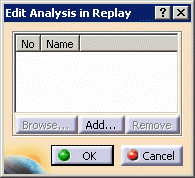
Click the Edit analysis button.
The Edit Analysis in Replay dialog box appears.
-
Click the Add... button.
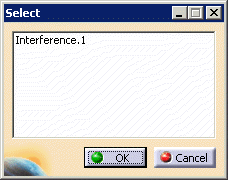
The Select dialog box appears.
-
Select Interference.1, and click OK.
On the Edit Analysis in Replay dialog box, Interference.1 appears as the first (No. 1) analysis object.
-
Click OK in the Edit Analysis in Replay dialog box.
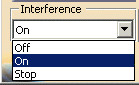
In the Replay dialog box, the Interference list becomes available.
-
In the Interference box, select On.
-
Use the VCR-like buttons to return to the starting shot, and play the Replay object.
The analysis object is taken into account. You can see the results by clicking on the results object in the specification tree.
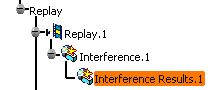
If the analysis object had been a distance or measure object, it would have been taken into account by selecting On in the Distance box.
 is accessible from a toolbar as well as from the menu bar.