|
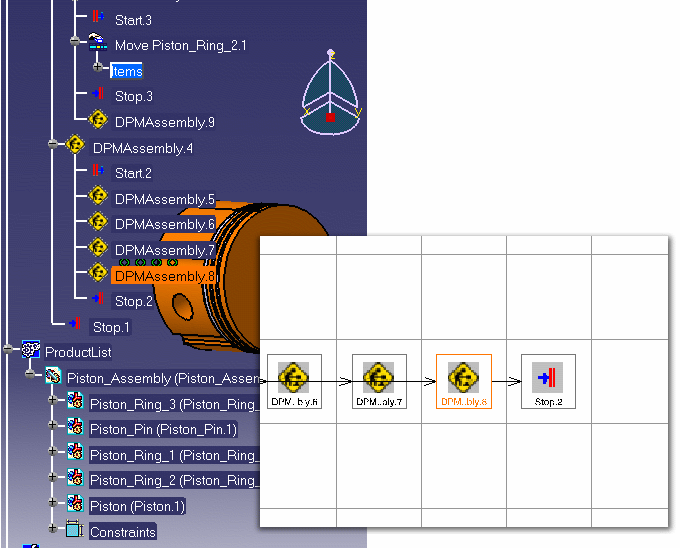
This procedure illustrates how to easily locate a specific activity using the Reframe Activity in PPR/PERT Viewer command to center and highlight it within the PPR tree or PERT viewer. |
|||
 |
|
|
This procedure illustrates how to easily locate a specific activity using the Reframe Activity in PPR/PERT Viewer command to center and highlight it within the PPR tree or PERT viewer. |
|||
|
|
|

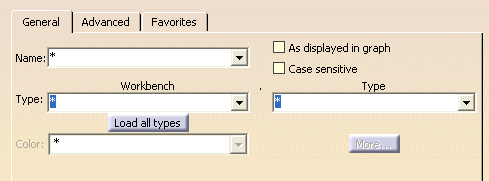
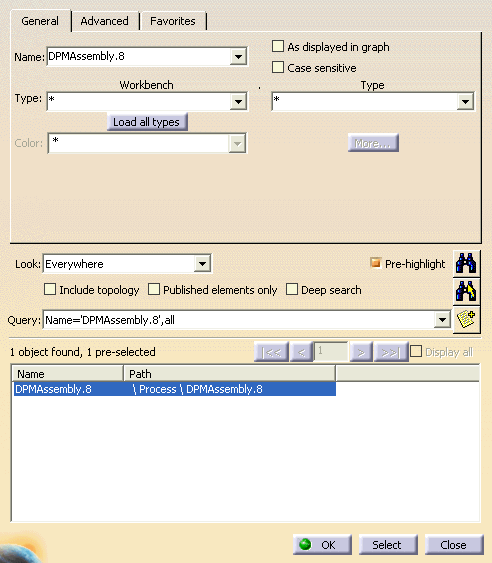
 to center the selected activity on the PPR tree and PERT chart.