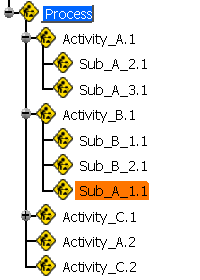
This procedure describes how to move activities in the PPR tree under a new parent.

-
Click Reparent Activity
 in the PPR Tools toolbar.
 -
Select the activity to reparent on the PPR tree.
-
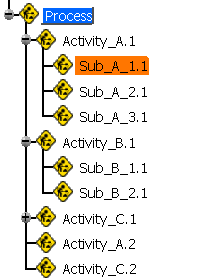
Select the new parent for the selected activity.
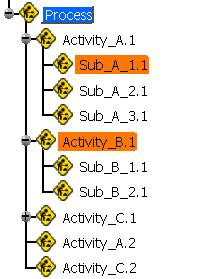
The activity selected in Step 2 (above) is now placed under the parent selected in Step 3.