
Selected products in a CATProcess document can be saved as a CATProduct file. The respective representations and graphical properties of the selected products saved into the resulting CGR. You can choose to save Manufacturing Assemblies in addition to selected products.

-
Select one or more products in the PPR tree. Selections can be made from both the product list and the resource list.
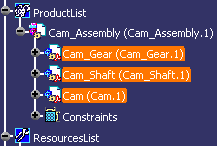
-
Click Export as CATProduct
 .
.The Save in a new CATProduct panel appears, displaying the list of selected objects:
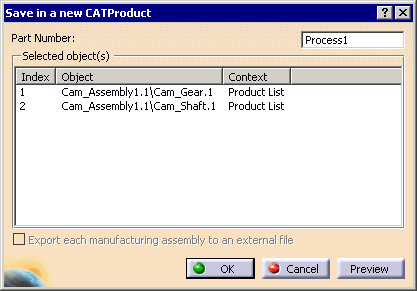
-
Click Preview to see a graphical preview of the selection.
Note: If a representation or graphical property of the selected product exists only transiently, e.g. inside another command, the representation or graphical property is not saved. Anything that is not visible in the window is not saved.
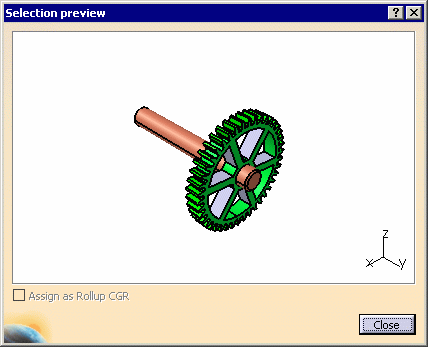
-
Select Close to dismiss the Selection Preview dialog box.
-
Select OK Save in the Save in a new CATProduct dialog box. A new V5 product document is created with the product content, and loaded in Product Structure.
-
Select File > Save As to save the new CATProduct.