


- An XML file is generated from the activities defined in the PPR tree. This involves a mapping between the activities in the PPR tree and the elements in the XML file. The XML file generated is independent of the robot language.
- A style sheet transformation file (XSLT) is written for the Daihen translator. This file defines the mapping between the activities in XML file and Daihen robot commands.
- The XSLT is then run through the XML file to generate the required Daihen robot program file.

-
Click Create Robot Program
 in the Offline Programming toolbar.
 -
Select AV06Tsk1 of AV06.2 in the PPR tree.
The Downloading Options dialog box opens.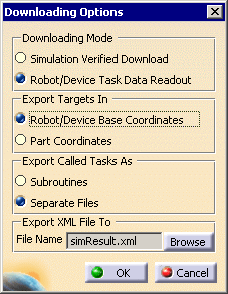
-
Choose the settings as shown above, and click OK.
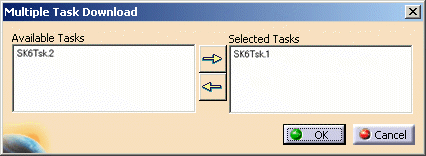
The Multiple Task Download dialog box opens with AV06Tsk2 in the left-hand box.
-
Select AV06Tsk2 for download too.
The Download Editor window appears.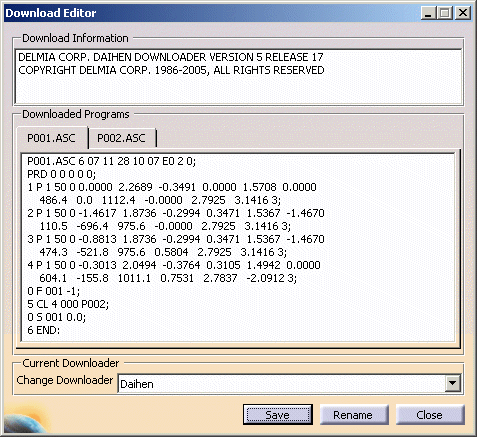
-
Save the downloaded program.
-
Similarly, download the AV06.1 program. Click Rename and save it with a different name.
