


-
Select Tools > Options > Resource Detailing > Offline Programming tab.
-
Under Downloader Settings, choose Daihen to be the Selected Downloader.
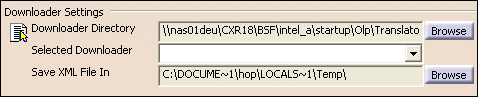
-
Under Uploader Settings, choose Daihen to be the Selected Uploader.

-
Click OK and exit the options dialog box.
