


-
Select Tools > Options > Resource Detailing > Offline Programming tab, and set Fanuc to be the Selected Uploader and Downloader.
-
Click Create Robot Program
 in the Offline Programming toolbar.
 -
Download all the robot tasks for the robot R2000iA-210F.1.
-
Save the downloaded programs.
-
Click Import Robot Program
 in the Offline Programming toolbar.
 -
Select the robot task of R2000iA-210F.1 in the PPR tree.
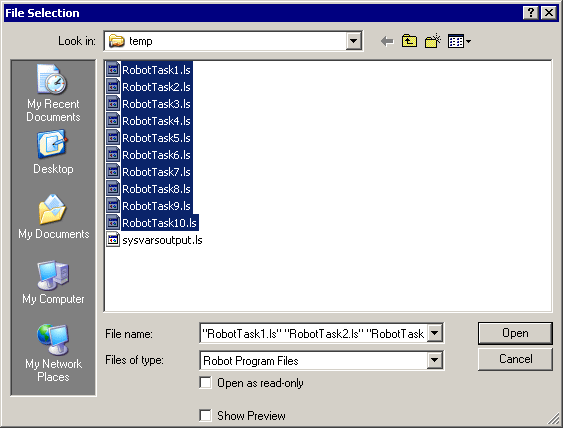
A File Selection dialog box appears. -
In the File Selection dialog box, upload all the robot tasks simultaneously.
-
Select Fanuc.jar as upload translator in the Select Translator dialog box. The Uploading Method dialog box opens.
-
Select Robot Base Coordinates and click OK.
An uploading progress bar displays the status of upload.
Finally the Upload Information dialog box opens. This has information about the status of upload, unparsed statements, logical errors etc.
-
Note that all the robot tasks are imported to V5 robot tasks.
