 |
-
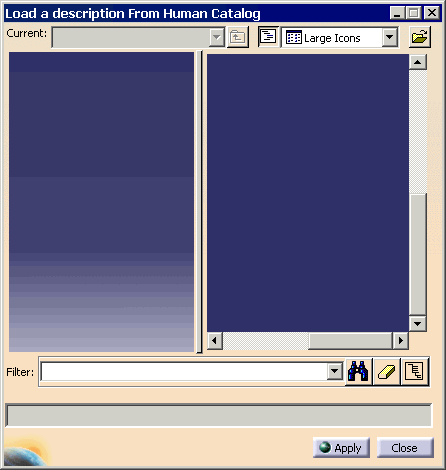
Select the Load manikin's attributes from a catalog
 from the Manikin Tools toolbar.
-
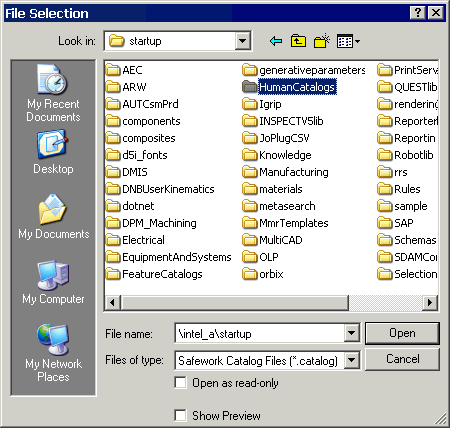
Using the Browse another catalog, go into
the installed path of V5 and select the CNext/startup/Human Catalog directory, to find the catalog of
manikin standard postures.
-
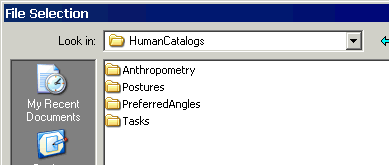
Select the required HumanCatalog. For this scenario, the
Postures directory will be selected.
-
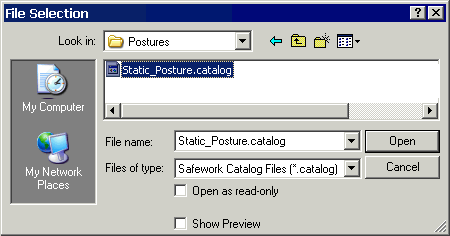
In the Postures directory, select the
Static_Posture.catalog, and Open.
-
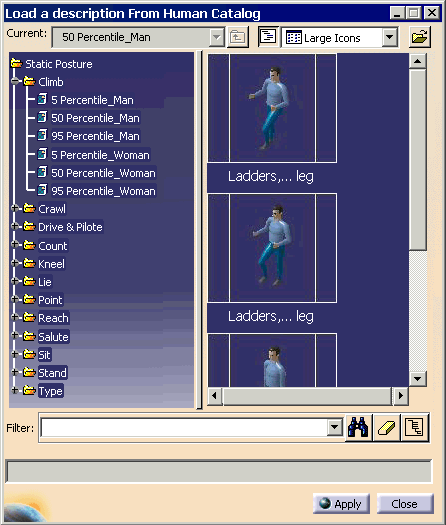
Select the required pose, and select the Manikin from
the PPR tree. In this scenario, we selected the Ladders,...leg
from the 50 Percentile_Man.
-
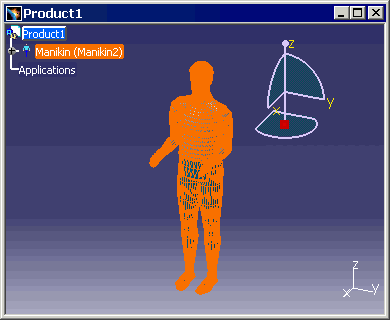
The whole manikin will turn orange, as we want all of
the segments loaded onto the manikin.
-
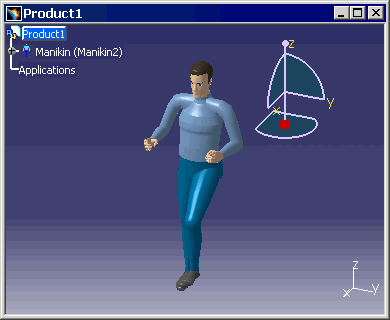
Click on Apply, and the selected pose is applied.
|

