
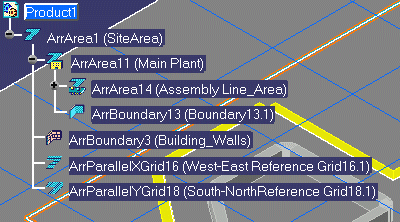

Double-click the element in the drawing or in the specification tree.
Select Activate Parent button
 to make the active
element's parent active.
to make the active
element's parent active. To activate an area, select the Activate Area button
 and select any element
under the area.
and select any element
under the area. To activate a network, distribution system or logical set, select the Activate Network button
 and then select any
element under the network.
and then select any
element under the network.-
(Optional) Change the display of elements that are not active using the Toggle Dimming Mode
 on the General Environment Toolbar:
-
When Dimming Mode is on, elements that are not active are dimmed.
-
When Dimming Mode is off, inactive elements are not dimmed.
-
