|
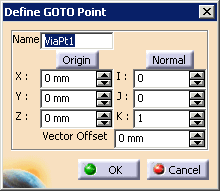
This procedure describes how to
add a via or goto point to a process.
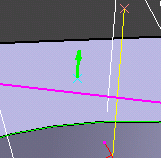
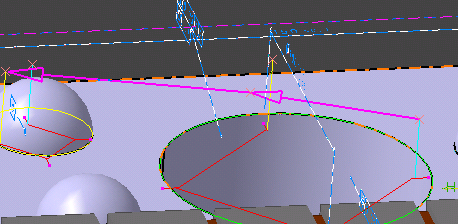
A via point is typically added to keep the CMM probe from clashing with the part as it measures the part. |
|||||||
 |
|
|
|
This procedure describes how to
add a via or goto point to a process.
A via point is typically added to keep the CMM probe from clashing with the part as it measures the part. |
|||||||
|
|
|

 .
.