|
This procedure describes how to
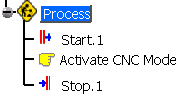
set the CMM to manual mode or to computer numerical control
(CNC) mode.
Typically, activities such as defining and measuring features and defining and activating alignments are done in manual mode. CNC mode is turned on to inspect features. |
||
 |
Setting Manual Mode |
||
|
|||
Setting CNC mode |
|||
|
 from the Inspection Activities toolbar.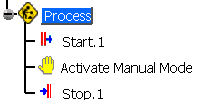
 command from the Inspection Activities toolbar.