Exporting the Process to DMIS  

This procedure describes how export the process created with inspection to a DMIS program. Each operation node corresponds to one controller. Since each controller is independent of each other, there is a separate DMIS export for each operation node.

For more information on DMIS, see http://www.cam-i.org/

This procedure assumes that you have created the process described in the procedures proceeding it.
  1. Select the operation activity on the PPR tree.

  2. Click Export Process as DMIS Program

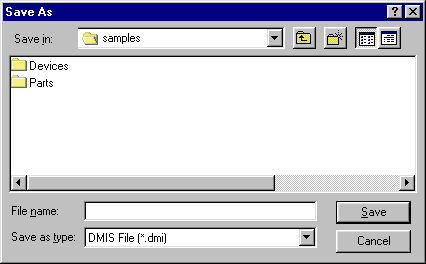
    A Save As window appears.
  3. Navigate to the directory in which you wish to save the DMIS program, enter the name of the file in which you want the program saved, and click Save.