|
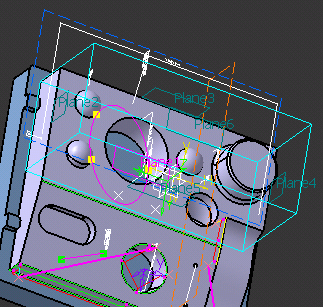
This procedure describes how to define a
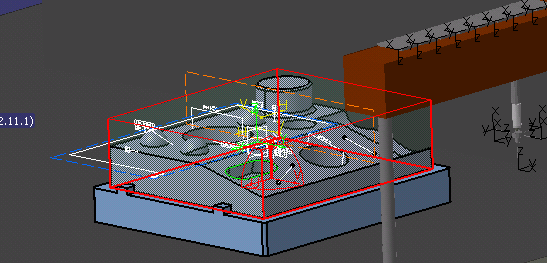
secure box around some portion of the product or product used for
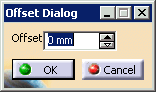
Inspection. The box can be created with an offset. The purpose of
the secure box is to insure that when measurement paths are created,
they do not collide with the product nor do they come closer to the part
than the specified offset. This procedure has two parts:
You can also associate the plane of a secure box to a measurement path at the time you are creating a measurement path. |
|||||||||
 |
To create a secure box, you must have part data loaded. | |||||||||
 |
Creating a Secure Box |
|||||||||
|
||||||||||
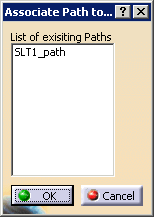
Associating a Secure Box Plane with a Path |
||||||||||
|
||||||||||
 |
You can deactivate the association later by selecting the plane. | |||||||||
| Once you have created a secure box, you can
select planes associated with the box for the approach and retract
planes used in creating the measure path for the feature. The
relevant portion of the measurement feature dialog box appears below;
it can be viewed by selecting the More button.
The planes for the box appear in the pull down menus |
 .
.