Adding Tolerancing to a Constructed Feature

This procedure describes how to add tolerancing to a constructed feature.

FTA tolerances created by Design or Manufacturing are usually created on geometrical elements. In some cases, these geometrical elements cannot be measured. This function is available to associate an inspection element obtained by construction to a tolerance created on a geometrical element that cannot be measured.

  1. Select the parent process or preceding activity for the construct sphere activity. 

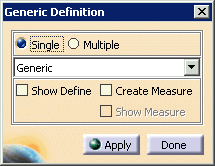
  2. Click Define Generic Feature.

    The Generic Definition dialog box appears.
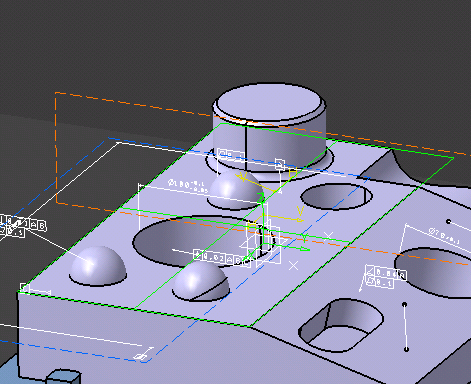
  3. Select a feature (e.g., a plane) that has the tolerancing that you wish to associate with the constructed feature and click Apply.

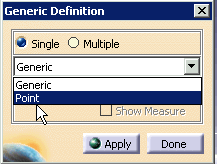
  4. On the Generic Definition dialog box, select Point from the list.

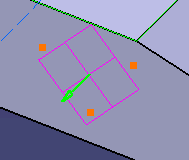
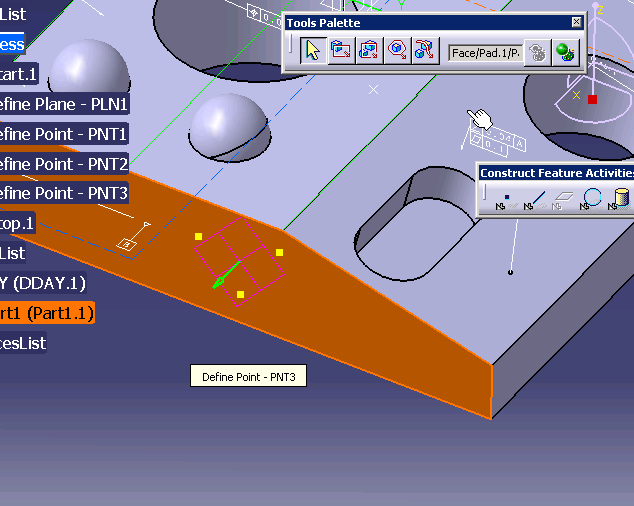
  5. On the geometry, create three points that you will use to create a constructed plane.

  6. Click Construct Plane.

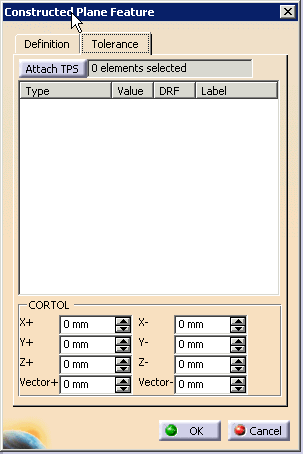
  7. Select the Tolerancing tab in the Constructed Plane Feature dialog box.

  8. Select the Attach TPS button.

    The Tool Palette appears; use it to select the plane.
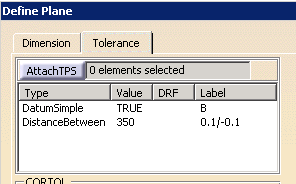
    The tolerances appear associated with the constructed feature.