

-
Select a tag within the tag group.
The Interpolate Targets dialog box appears. 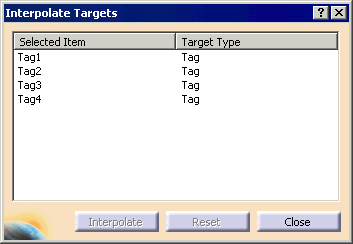
The tags are ordered. -
Select the tags whose orientation is the desired one and all the tags in between.
For instance, in the example above, Tags 1 and 3 have the correct orientation and Tag2 requires interpolation. Select Tags 1-3. 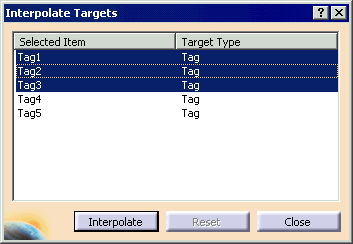
-
Click the Interpolate button.
The orientation of the tags changes to match that of the two outer ones. -
Click the Close button.

