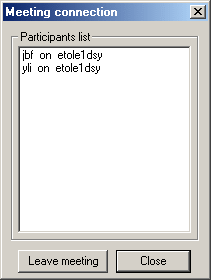
After you've joined a 3d meeting and the 3d meeting window
is displayed on your screen, you must enter the meeting explicitly in order
that your user identifier be added to the list of participants.

-
Click the Meeting Connection
 button.
You enter the 3d meeting. Your identifier will now appear in the list of meeting participants.