from the Dressup toolbar (Axis and Threads sub-toolbar).

3. Select the reference line.
The center line created is associative with the reference line.
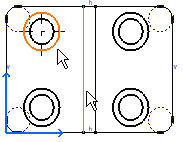
You can create a pair of center lines according to a circular reference (a point or a circle):
from the Dressup toolbar (Axis and Threads sub-toolbar).You can multi-select circles before you enter the command and thereby apply center lines to the selected circles.
6. Select the reference circle.
The pair of center lines created is associative with the reference circle type element.
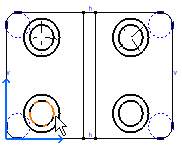

- When creating a center line on a generative view, a message will be displayed if the center line cannot be associative to the 3D. In this case, the center line is neither linked to the 3D nor to 2D drawing elements. For example, a non-associative center line with a reference line will not be updated when the reference line is moved.
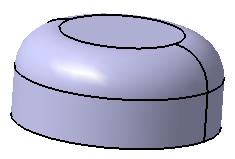
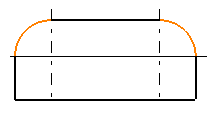
- Associative center lines can be created for 3D objects such as
torus surfaces.