-
Click Up To Boundary Face Selection
 in the Selection Tools toolbar.
-
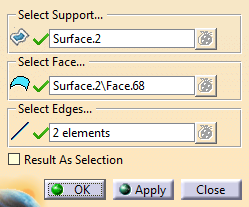
Define the boundary of the selection, by selecting either edges of a surface or a wireframe.
The selection is displayed in the work area. -
Optional: Activate Result As Selection.
Useful to create a Generative Shape Design join or modify the visual properties of faces.
No feature is created, the result is a selection of faces.
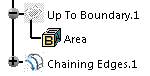
A Up to Boundary feature is created (Unless
Result As Selection is selected).
It contains the total area of the
feature.