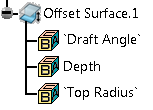
-
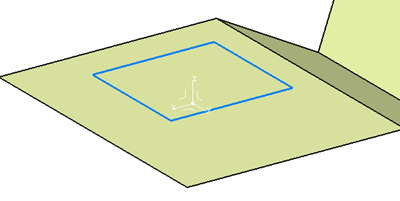
Select a profile, that is the wireframe that forms the boundary of the offset.
Be aware that open profiles may lead to unexpected results. -
Select the offset direction
This is not required if the wireframe is planar.
In this example, the wireframe is in blue, the direction is the Z-Axis.
-
Enter the Depth value that defines the offset.
-
Enter a Draft angle, if any.
-
Specify whether fillets are required.
If need be, enter the fillet value.- No Fillet:
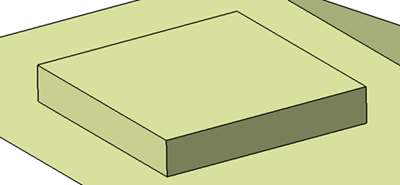
- Standard Fillet:
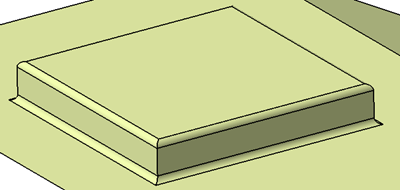
- No Fillet:
-
If required, select Reverse Side to create the offset on the other side of the surface.
 in the Addendum Design toolbar.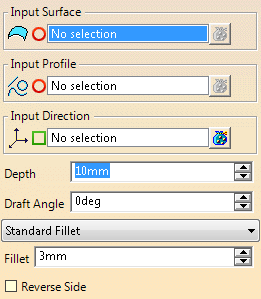
An Offset Surface feature is created.
It contains the
parameters of the offset.