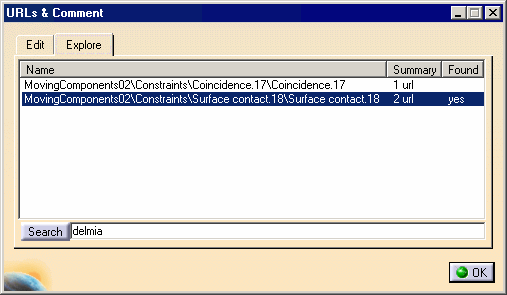
The URLs and Comment dialog box
appears.
The list of all the URLs assigned to all the constraints defined in this
CATProduct document is displayed.
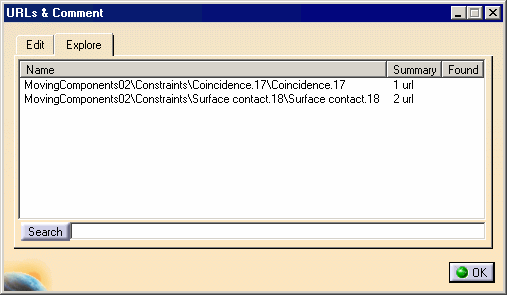
-
Select the required constraint.
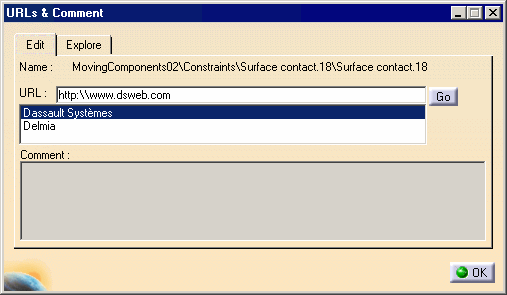
The URL field indicates that this constraint has been assigned two URLs:
-
Dassault Systèmes
-
Delmia.
-
Select Delmia.
-
The associated URL is displayed in the URL field.
-
You just need to click the Go button to access the corresponding web site.
Searching for a URL
-
Select the Explore tab.
-
Type the name of the URL to be searched for in the Search field: Delmia
-
Click Search.
The specified URL is found, "yes" is displayed in the Found column. In the Edit tab, the URL is highlighted.