-
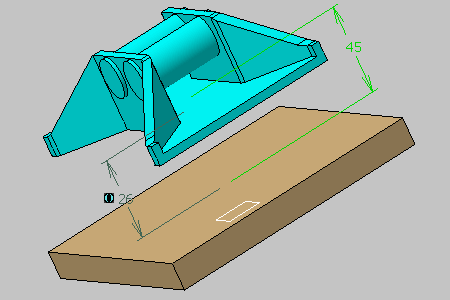
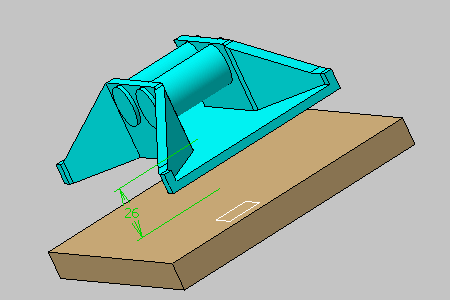
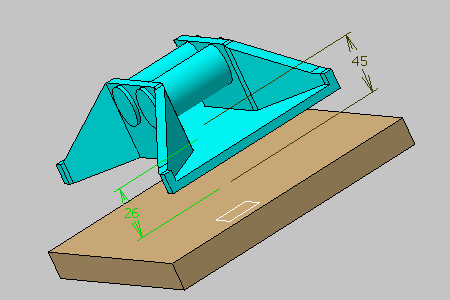
Create the offset constraints between top face of part 1 and bottom face part 2.
-
Create the offset constraints between top face of part 1 and top face of part 2.
-
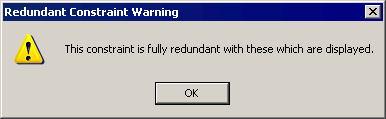
Click OK in the Redundant Constraint Warning dialog box.
The constraint is created. 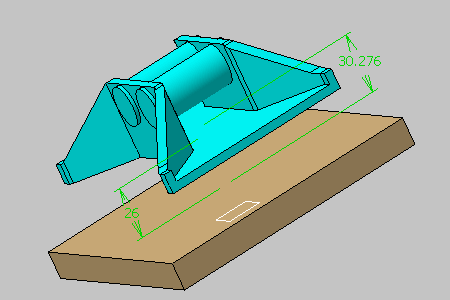

The two constraints are resolved despite the redundancy: their values respect the position of the two parts and make no overconstraint. -
Set the value of the constraint to 45.
-
Update the assembly if you are in manual update.
The update operation detects difficulties to obtain a valid constrained system: the Update Diagnosis dialog box appears providing the diagnosis of the problem. 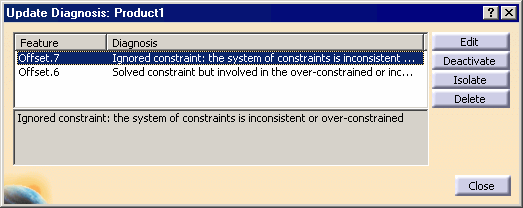
The constraints involved in the inconsistent or over-constrained system are displayed.
The application indicates:- The constraint causing trouble
- The second constraint, which is valid but involved in the inconsistent or over-constrained system.
To resolve the problem, you can edit, deactivate, isolate or delete the desired constraint.
-
Select the second constraint, click the Deactivate button and click Close.
-
Close the dialog box, update the assembly if needed.
The assembly is now consistent.