 |
Deactivating or activating constraints means specifying if these
constraints must be taken into account during updates or not. This task
consists of deactivating then activating a constraint. |
 |
Open an assembly and make sure the Design Mode
is on. |
 |
-
Right-click the Coincidence.3 constraint and
select the Deactivate command from the contextual menu.
|
| |
The constraint is deactivated.
The mask representing a deactivated constraint appears with red
parentheses, on the constraint's icon in the specification tree. |
| |
 |
| |
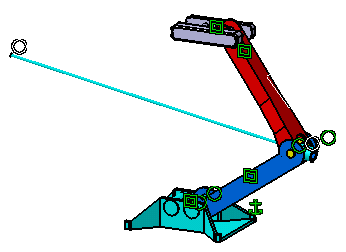
The deactivated constraint is now displayed in
white in the geometry window. |
| |
 |
|
-
Right-click the Coincidence.3 constraint and
select the Activate command from the contextual menu.
|
