Changing a constraint
means replacing the type of this constraint by another type. This operation
is possible depending on the supporting elements. You can select any
constraints, not necessarily in the active component.
This task consists
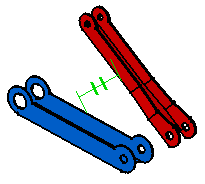
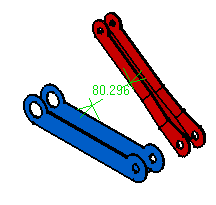
of changing the parallelism constraint into an offset constraint.
Open an assembly.
1.
Select the constraint
to be changed.
2.
Click the
Change Constraint icon:
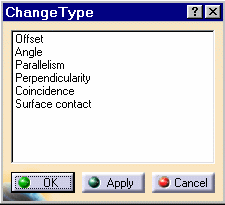
The Change Type dialog box that appears, displaying all possible
constraints.
3.
Select
the new type of constraint. For our scenario, select
Offset.
4.
Click
Apply to preview the constraint in the specification tree and the geometry.