


-
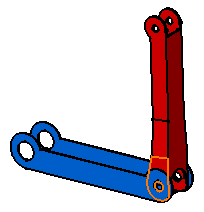
Select the face to be constrained.
-
Select the second face to be constrained.
As the contact constraint is created, the first component is moved so as to adopt its new position. Green graphic symbols are displayed in the geometry area to indicate that this constraint has been defined.
This constraint is added to the specification tree too.
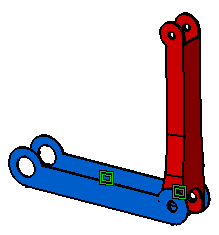

Graphic symbols used for constraints can be customized. For more information, refer to Customizing Constraint Appearance.
